
My Business Card Maker3.6.10 - Google Play
Please wait ... The app listing is being verified for availability.
You'll be able to see results in few seconds.
You'll be able to see results in few seconds.
Publisher Description
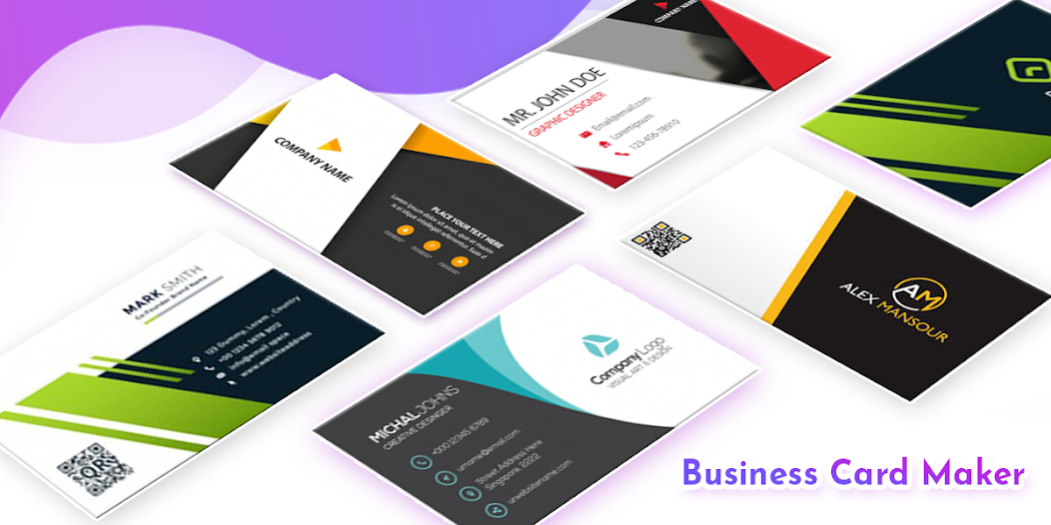
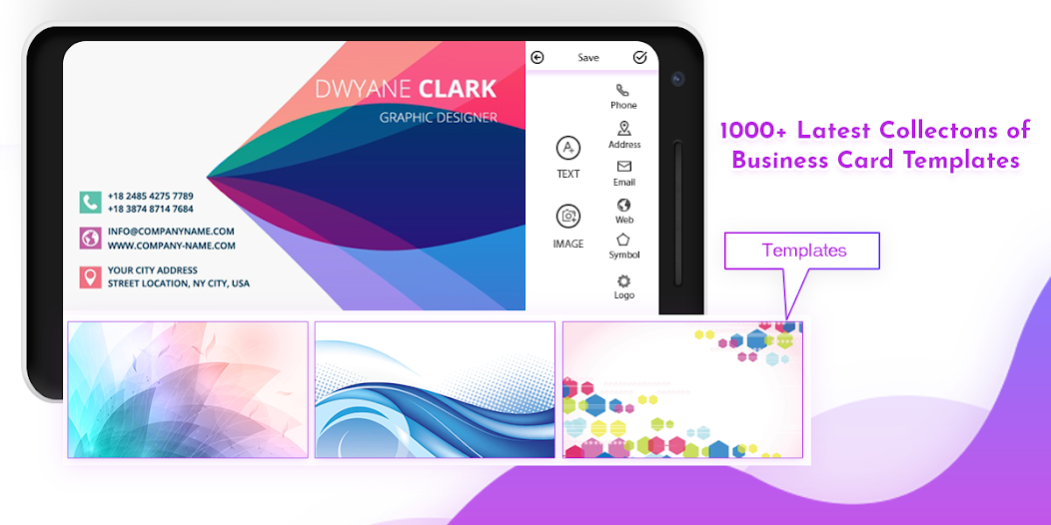

Which have 200+ HD digital business card with the features of horizontal and vertical card.
A business card is the first impression of your brand.
When you meet someone that could potentially be a great prospect or connection, don’t you want him or her to walk away with a great first impression?
A memorable business card does a lot more than just pass on an email address or phone number.
A business card is a physical object that a potential prospect leaves the encounter with. Your brand stays with them.
You need to provide your information that you want to display on your business card.
- choose different card design, different font, different color, etc.
Presional Profile
- First Name
- Last Name
- Profile Picture
- Post/Designation
- Phone
Business Profile
- Business Title
- Business Discription
- Business Logo
- Website
- Address
business cards Type-
-
Custom Business Card:
You can create highly customizable card according to your own need, we have created a unified interface which provides easy card creation and updating in just a minute! We have provided many card templates, fonts, symbols, colors and many more.
-
Standard Business Card:
This Business Cards are very easy to create in no time. You can change fonts and colors according to your choice. We have some great collection of Horizontal Business Cards with a single and double side.
-
Vertical Business Card:
Vertical Business Card looks very elegant and differentiate you from other people. This app includes an awesome collection of this type of business card, check them out.
-
Square Business Card:
Square Business Cards are the new one and introduced in this version of the app. Such type of cards is best for digital marketing and for sharing online.
With Business Card Maker:Visiting Card Maker, you experience following cool features
-
Create Business Card:
You can create the different type of business cards from the collection of Horizontal Business Cards, Vertical Business Cards, Square Business Cards and Custom Business Card according to your own need.
-
Edit Business Card:
Now you can edit any business card created from this app! This is the new feature introduced in the latest version.
-
Manage Profiles:
You can create profiles of users for whom you want to create Business Card. you can also easily edit and delete user profiles at any time. This will help you to create business card instantly!
-
View Created Business Cards:
You can access your created Business Card anytime in Saved Cards section. You also can edit them or share them with your friends and business groups.
How to create a custom business card?
- Choose any card from given template, color as background or pick image of your choice from the gallery
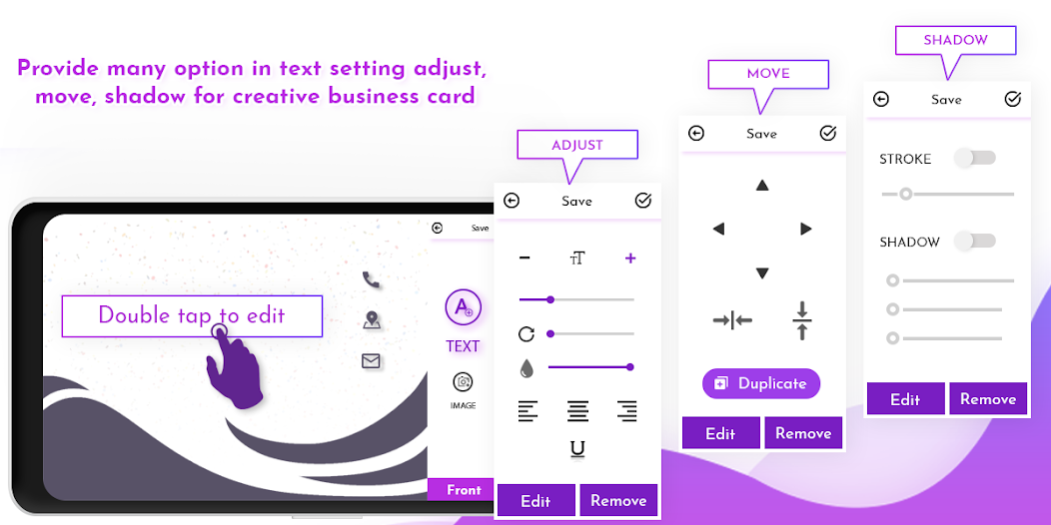
- Add texts like your name, company name, mobile number, email address, website, company location, etc
- Add some predefined symbol like mobile, email, website, location, facebook, twitter, linkedin, etc
- Add your image or company logo from the gallery as well as from application.
- Save your business card to the gallery or share to your business networks
- Add shadow, stroke and other effects to your texts
- Apply crop, rotation, flip, etc. operation on your image
You can also add user image as well as your company logo to your profile,
it will be displayed on your business card.
This app can help you to create a digital business card for your business networks.
You can also use them as your digital identity and e-card.
You can not find such functionality in any other business card creator app.
So take 5 minutes from your busy schedule and try this app and do not forget to rate us if you like the app.
For any feedback or queries, please contact us on jarvisbeta0608@gmail.com or Go to app setting and mail us.
About My Business Card Maker
My Business Card Maker is a free app for Android published in the Office Suites & Tools list of apps, part of Business.
The company that develops My Business Card Maker is Zeus App Studio. The latest version released by its developer is 3.6.10.
To install My Business Card Maker on your Android device, just click the green Continue To App button above to start the installation process. The app is listed on our website since 2021-12-28 and was downloaded 0 times. We have already checked if the download link is safe, however for your own protection we recommend that you scan the downloaded app with your antivirus. Your antivirus may detect the My Business Card Maker as malware as malware if the download link to app.businesscardmaker.visitingcardcreator is broken.
How to install My Business Card Maker on your Android device:
- Click on the Continue To App button on our website. This will redirect you to Google Play.
- Once the My Business Card Maker is shown in the Google Play listing of your Android device, you can start its download and installation. Tap on the Install button located below the search bar and to the right of the app icon.
- A pop-up window with the permissions required by My Business Card Maker will be shown. Click on Accept to continue the process.
- My Business Card Maker will be downloaded onto your device, displaying a progress. Once the download completes, the installation will start and you'll get a notification after the installation is finished.
Program Details
System requirements
Operating systems
Android
Download information
File size
N/A
Total downloads
0
Pricing
License model
Free
Price
Version History
Here you can find the changelog of My Business Card Maker since it was posted on our website on 2022-01-08. The latest version is 3.6.10 and it was updated on Apps112 on 04 November, 2026. See below the changes in each version:
version 3.6.10
posted on 2021-12-28
Disclaimer
Official Google Play Link
We do not host My Business Card Maker on our servers. We did not scan it for viruses, adware, spyware or other type of malware. This app is hosted by Google and passed their terms and conditions to be listed there. We recommend caution when installing it.
The Google Play link for My Business Card Maker is provided to you by apps112.com without any warranties, representations or guarantees of any kind, so access it at your own risk.
If you have questions regarding this particular app contact the publisher directly. For questions about the functionalities of apps112.com contact us.
